What is a Dashboard Widget in WordPress?

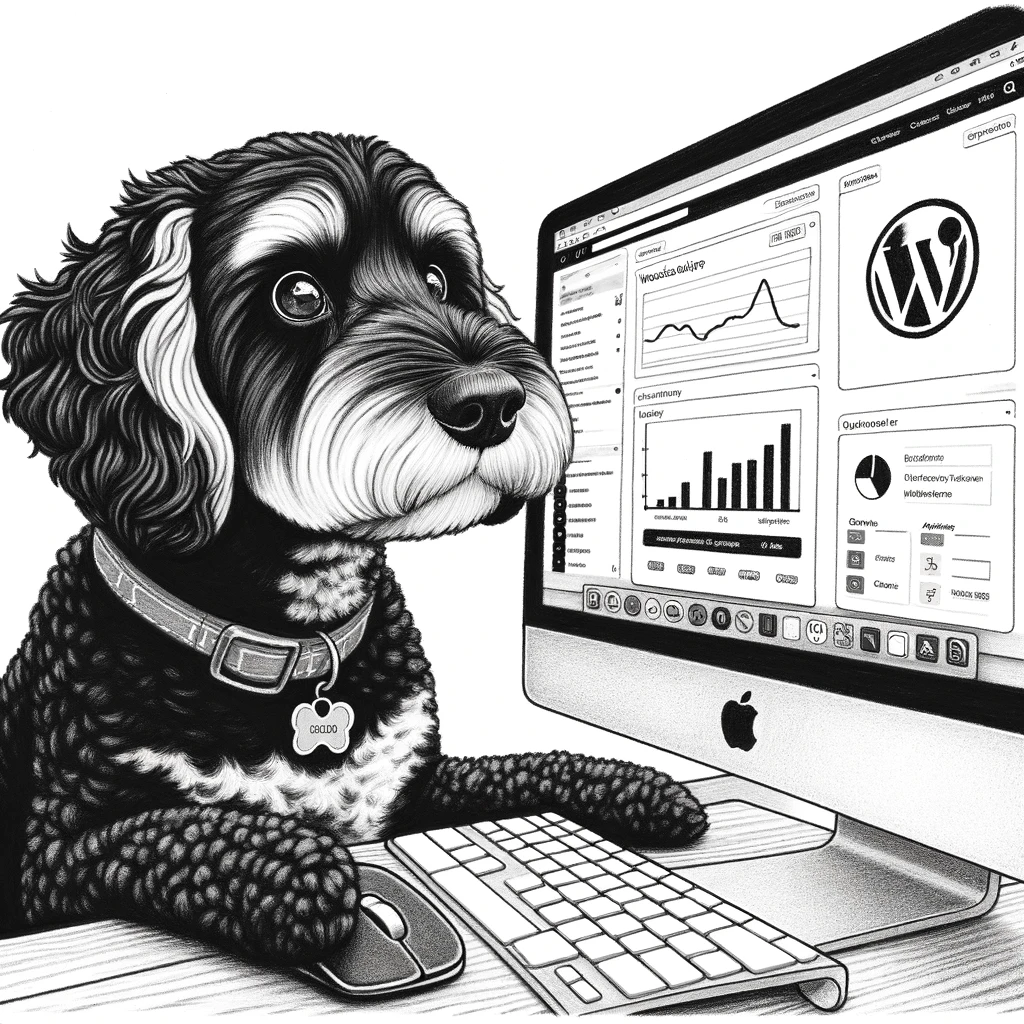
cavoodle wordpress dashboard

Table of Contents

Overview of Dashboard Widgets

Dashboard Widgets in WordPress are mini applications that live within the administrative dashboard, providing users with updates, controls, and important information right at their fingertips. They represent a cross-section of technology and design, adapting the user interface to cater to specific needs and interactions within the WordPress environment.

Design and Customization

Widgets are integral to the WordPress dashboard, giving it the flexibility to adapt to a variety of user preferences and needs. With a clear understanding of HTML, CSS, and JavaScript, developers can design widgets that blend seamlessly with custom themes or stand out with unique color schemes. The Dashboard Widgets API provides developers with the guidelines and tools necessary to create these custom components, ensuring consistency and compatibility with the WordPress core.

The ability to customize the dashboard with widgets extends beyond mere aesthetics. It involves creating a user interface that includes form elements and UI components consistent with WordPress’ design guidelines. Customization can involve altering existing widgets or creating entirely new ones that harness specific functionality for the site.

User Interaction and Accessibility

The primary purpose of dashboard widgets is to enhance user interaction and increase the efficiency of site management tasks. Each widget acts as an interface or a control element—like a textbox, toggle, or a live data display—designed to be interactive and intuitive. Widgets can be customized in the dashboard’s home screen, allowing users to tailor their administrative experience to their role and preferences.

A key aspect of widget development in WordPress is ensuring they are not only functional but also accessible. The WordPress community emphasizes creating widgets that follow accessibility standards, making them usable for everyone, including those with disabilities. This may include considerations for screen readers, keyboard navigation, and adherence to the Web Content Accessibility Guidelines (WCAG). With careful attention to the graphical user interface (GUI), dashboard widgets can provide all users with a powerful toolset to manage their WordPress sites effectively.


Categories

share

Trending posts

What is Local SEO in WordPress?

Looking to enhance your online visibility and attract more customers from your local area? By leveraging local SEO techniques, businesses can achieve higher ranking in search engine results pages (SERPs), driving traffic and boosting their online presence. From optimizing page titles and meta descriptions, to utilizing powerful SEO plugins like Yoast Local SEO, WordPress offers everything you need to succeed in local online marketing. Don’t get left behind – read on to discover the key components of WordPress SEO and take your online presence to the next level.

Read More »

Some other articles you may enjoy

An illustration of two pirates standing in the sea next to a ship with sails. Both pirates are wearing traditional pirate outfits, including hats with skull and crossbones. The pirate on the right is holding up an ornate, framed map and examining it closely, while the pirate on the left is holding a magnifying glass and another map with indistinct writing. The background features waves and a distant island. The scene has a humorous, cartoonish style.

Explain the term Excerpt Widget in WordPress

Discover the power of the Excerpt Widget in WordPress, a vital tool for enhancing user engagement and SEO. Excerpts serve as concise summaries of your content, enticing readers to delve deeper into your posts. Learn how to effectively manage excerpts

Read More »
A grayscale cartoon image depicting a medieval knight seated at a table, holding a mug and a scroll. The knight is looking at a laptop screen displaying a "CUSTOM POST STATUS" page. Behind the knight, a window reveals a smiling man and a friendly dragon looking in. The scene combines elements of medieval fantasy with modern technology.

Explain the term Custom Post Status in WordPress

In the dynamic world of WordPress, mastering custom post statuses can revolutionize your content management strategy. Imagine having the power to create tailored statuses like “User Submitted” or “Needs Images,” streamlining your editorial workflow and enhancing team collaboration. This guide

Read More »
A black-and-white cartoon depicts a knight in armor attempting to use an ATM machine in front of a castle. The knight is holding a lance and inserting a credit card into the machine. A dragon stands nearby, observing the scene. A man in a suit and hat stands on the other side of the ATM, holding a clipboard and looking surprised. The castle has a large door and a tower with battlements.

Explain the term Login Widget in WordPress

Unlock a seamless user experience with WordPress login widgets! These powerful tools allow users to sign in directly from your site’s sidebar, eliminating the hassle of navigating to a separate login page. Discover how to customize your login forms, integrate

Read More »
Send this to a friend